CommunityOne implementation

A practical setup path from scattered records to one HOA workspace.

Start by moving the work your board already does — dues, records, meetings, requests, and resident updates — into one CommunityOne workspace. Then choose the plan that matches how much your association needs to manage.

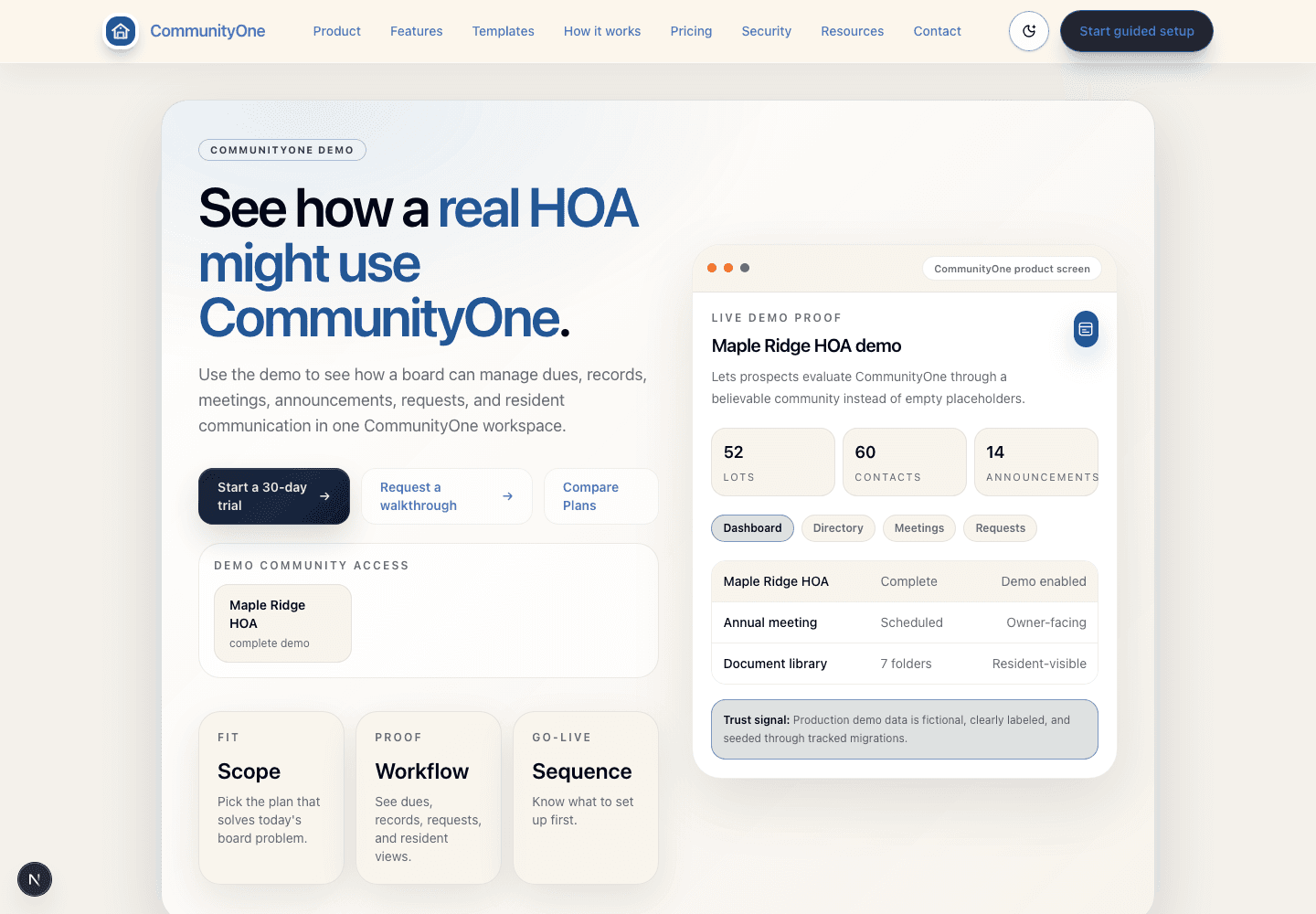
CommunityOne board dashboard showing announcements, activity, summary cards, and board navigation.
For boards

Board dashboard

Shows what needs attention first: dues, meetings, requests, documents, and resident updates.

52
Lots
60
Members
14
Open items
OverviewDuesMeetingsRequests
Annual duesPublished$450
Annual meetingScheduledMay 14
Streetlight repairIn progressVendor
Grounded in the same role-aware CommunityOne workspace boards use after login.
Step 1

Choose what to set up first

Start with dues and records, community management, or the fuller HOA operating layer.

Step 2

Map records, roles, and routes

Define board, admin, manager, and homeowner access, then identify the records, links, forms, and payment details that must move.

Step 3

Configure the portal cadence

Set up the association record, member visibility, documents, requests, reminders, and communications around the board's real work.

Step 4

Pilot, train, and expand

Invite board/admin users first, invite homeowners when ready, then upgrade when the association needs more capability.

Typical timeline

Most rollouts target a focused 30-day path.

The exact work depends on the association's current data and decision process, but the cadence stays intentionally simple: map, configure, pilot, train, and launch.

1
Week 1

Plan fit, role map, dues process, and key records

2
Week 2

Workspace setup, core records, portal structure, and notifications

3
Week 3

Data cleanup, board/admin review, and workflow cleanup

4
Week 4

Board training, homeowner invite plan, and next steps

Adoption

Implementation is organized around real board behavior

The rollout starts with the process people already need to complete, not a generic software tour.

Continuity

The association record survives handoffs

Documents, dues context, decisions, requests, and role ownership stay findable when volunteers or managers change.

Expansion

A narrow start can grow through the CommunityOne tier ladder

Essentials covers payments, records, meetings, documents, and member setup; Pro adds community management; Complete adds deeper operating support without a product reset.

Setup handoff

Turn board questions into a setup checklist.

The cleanest CommunityOne setup starts with practical board decisions: which records matter, who needs access, how dues should appear, and when homeowners should be invited.

1
Explain

Agree on whether Essentials, Pro, or Complete solves the first board problem.

2
Set up

Configure roles, records, dues, communication, and resident visibility around that plan.

3
Expand

Upgrade only when the board needs more management depth.

Plan clarity

Choose the plan that matches today's HOA work.

Essentials is for payments and community records. Pro is for community management work like resident requests, communication, and board follow-up. Complete is for associations that need the broadest HOA operating layer.

Compare Plans
Dues-first

Prove payment follow-up before broadening scope

Use payable balances, receipts, reminder preference records, and admin visibility when collection clarity is the first board win.

CommunityOne Pro

Keep the first resident experience intentionally simple

Launch records, communication, and request paths without implying every deeper operating workflow is already mapped.

CommunityOne Complete

Move into governance depth when the board is ready

Add documents, meetings, roles, operating history, and deeper continuity after the first portal rhythm is stable.

Next move

Create a setup plan your board can understand.

Map records, roles, dues, admin backup access, and resident invites before choosing Essentials, Pro, or Complete.