See how a real HOA might use CommunityOne.
Use the demo to see how a board can manage dues, records, meetings, announcements, requests, and resident communication in one CommunityOne workspace.
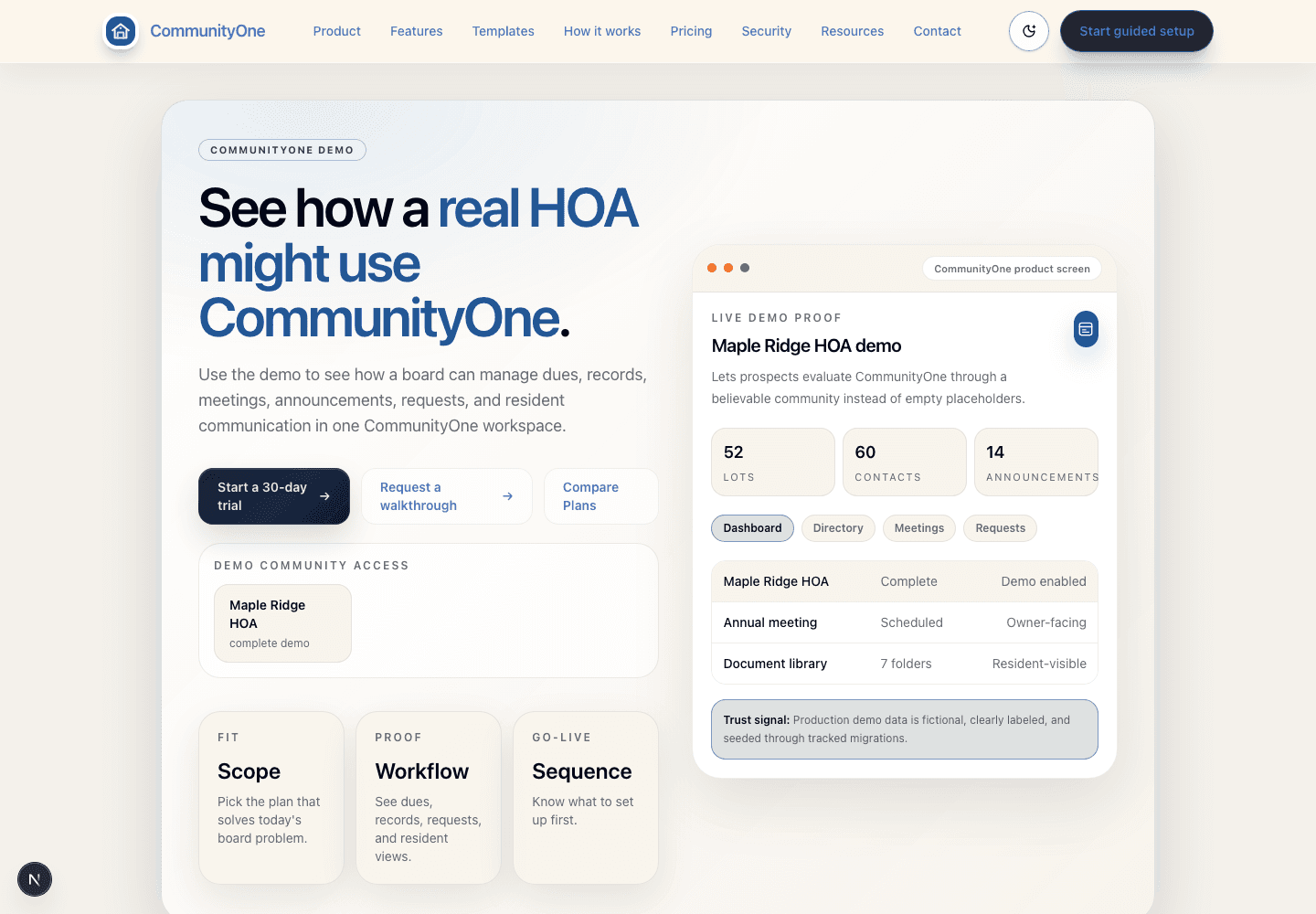
Maple Ridge HOA demo
Lets prospects evaluate CommunityOne through a believable community instead of empty placeholders.
CommunityOne Essentials
Best when the immediate problem is dues collection, resident payment clarity, records, meetings, documents, and a practical community workspace.
Ask About This PlanCommunityOne Pro
Best for associations that need homeowner communication plus resident requests, announcements, and board follow-up.
Ask About This PlanCommunityOne Complete
Best for associations or management teams that need the broadest current CommunityOne operating layer, including financial oversight and deeper operational management.
Ask About This PlanInclude these points so we can help quickly.
- How many homes, lots, or member households you support
- Which package fits best right now: Essentials, Pro, or Complete
- Which workflows create the most friction for your board or manager today
- Whether payments, contacts, requests, meetings, and resident communication need attention first
- Which role, access, admin recovery, or payment-visibility questions need answers
- Who needs to approve the launch decision
A practical path from questions to next steps.
Current-state review
We map where dues, meetings, requests, records, and communication are breaking down today.
Plan-fit review
We walk through the board, member, public-site, and dues/payment areas that match the plan you are evaluating.
Launch sequence
We recommend the shortest path to a stable go-live for your association.
Start your community in CommunityOne.
Share your association size, current dues process, resident communication needs, and biggest board problem so we can recommend the right CommunityOne plan.