Plan role-aware automation without losing governance control.
CommunityOne automation is scoped around real POA, HOA, and COA operating rhythms: what to route, what to summarize, when to remind, and which association record stays authoritative.
Define which item types should reach each board, admin, or manager role based on location, priority, and association process.
Choose the dues follow-up, open requests, approvals, and recurring reports that deserve reminders in the first rollout.
Shape a regular board view of open work, member activity, dues status, and operational bottlenecks before promising automation depth.
Clarify which items risk slipping while keeping board judgment, governance, and member communication visibly owned by people.
Request triage planning
Identify which resident questions and maintenance-style requests should be grouped for board, admin, or manager follow-up before automation is configured.
Board summary patterns
Decide which open items, overdue follow-up, new submissions, and status changes belong in a clearer operating view.
Record-finding goals
Map the approvals, records, dues context, and historical decisions boards need to locate faster so search and reporting stay grounded in real community data.
Automation plans should make community work calmer, not less accountable.
The rollout should define where classification, routing, reminders, and summaries are appropriate before deeper automation is presented as available. The board still owns judgment, approvals, and member communication, which keeps CommunityOne useful for real community governance instead of becoming a black-box workflow tool.
Automation supports decisions; it does not become the board
CommunityOne keeps ownership visible so automation and reminders reduce busywork without blurring who approved, assigned, or communicated something.
Members get faster clarity from the same portal
Status, dues visibility, documents, and request history stay connected instead of turning every question into another email thread.
Keep automation patterns reusable as scope grows
An Essentials start, Pro rollout, or Complete launch can share the same role-aware foundation without promising every workflow on day one.
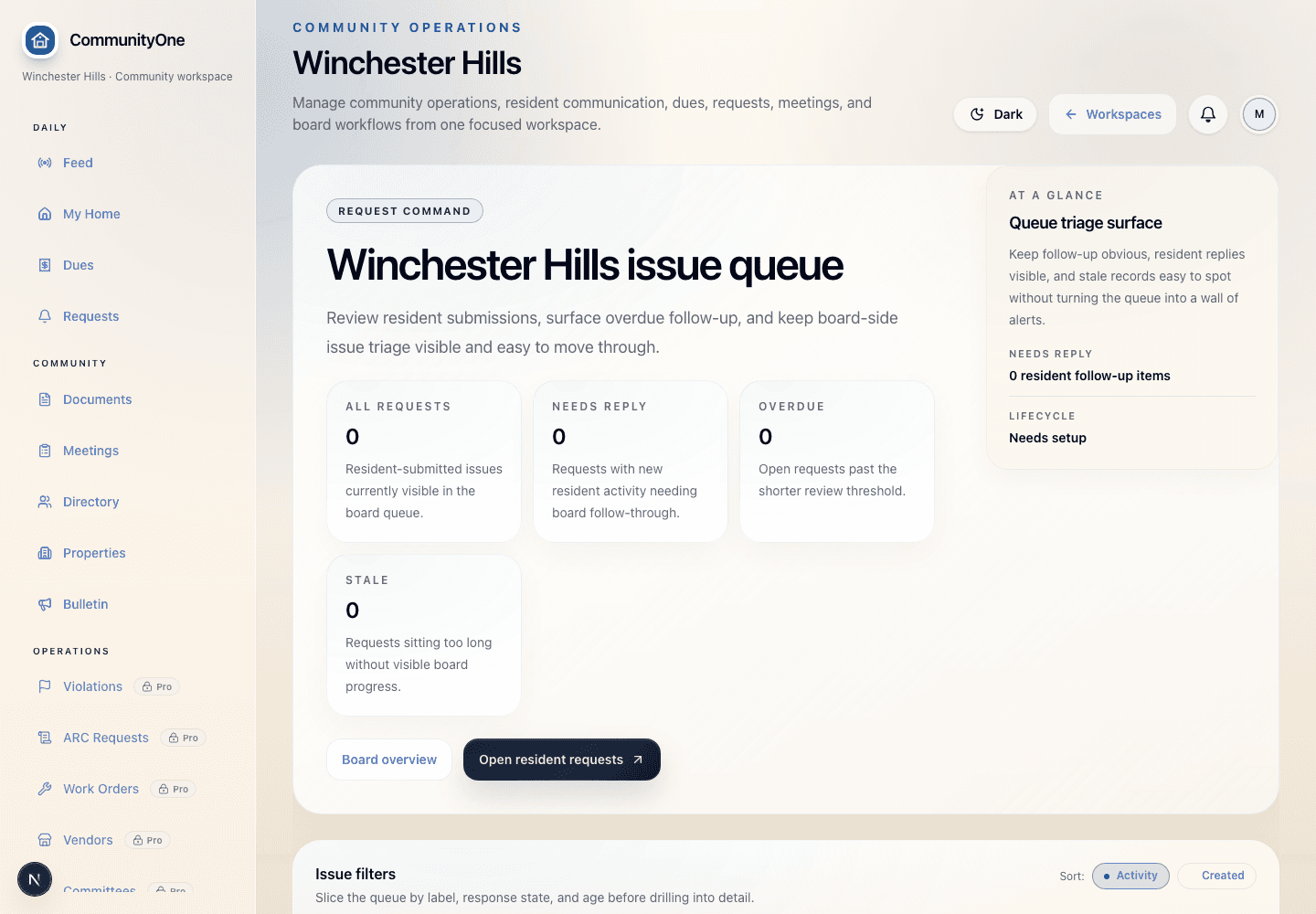
Work orders & requests
Moves resident requests, maintenance items, ARC questions, and board responses out of inbox chaos.
Dues follow-up planning
Plan reminder timing, payable-balance review, receipts, and admin payment visibility when dues are the immediate operational proof point.
Lightweight operating prompts
Support simpler community operations without pretending every deeper governance workflow is needed on day one.
Governance workflow depth
Define richer routing, summaries, requests, roles, and records when the association needs deeper operating structure.
Scope automation only after the first CommunityOne operating path is clear.
Add automation once the board has named the first operating problem, so routing, reminders, and summaries stay tied to real ownership.